Teaching & Learning Center (TLC)Faculty & Staff
Our goal is to provide faculty and staff with the tools and support they need to facilitate positive, meaningful, and transformative experiences for all Midland College students.
|
Quick Links |
What Can the TLC Help Me With?
|
|
|
|
Connect with the TLC Team
Karissa Kienast, Director of Professional Learning
Sondra Richards, Director of Faculty Engagement
Paola Castro, Manager of Training & Development
Strengthen My Teaching
Communities, mini-courses, and practical teaching resources
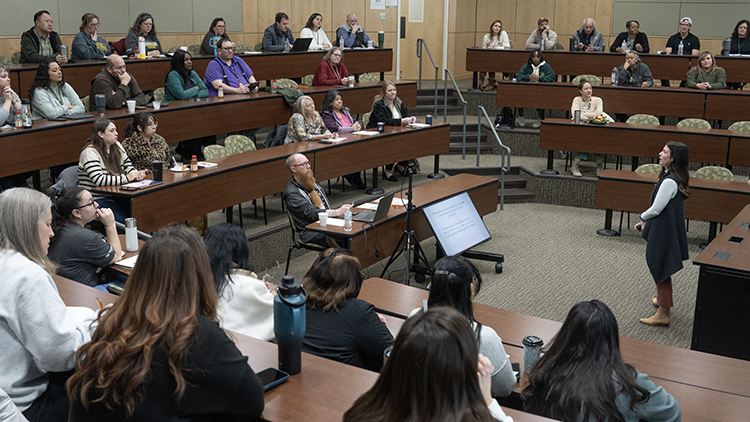
Faculty Learning Communities (FLCs) connect Midland College faculty to explore and discuss teaching and learning topics with colleagues from across the college.
Connect, share, and explore
These loosely structured communities give faculty space to explore topics that interest them, share ideas, and receive feedback from colleagues across disciplines.
- Explore teaching and learning topics that matter to you
- Share ideas and classroom experiences
- Learn from colleagues across disciplines
- Receive feedback on your ideas
What topics will we discuss?
Topics are shaped by faculty interests and the ideas participants bring to the community.
Bring your ideas. Start a conversation.
TLC mini-courses offer opportunities to explore technology, teaching practices, and other topics relevant to faculty and staff.
The TLC has hosted mini-courses on a variety of topics, including:
- Artificial Intelligence for Faculty
- Artificial Intelligence for Staff
- Creating Engaging Instructional Videos
- Creating Effective Assessments
- Faculty Research
What would you like to learn next?
Bring learning directly into your course
Add LinkedIn Learning videos, learning paths, or complete courses to your Canvas pages and assignments. Students can find the content right where they are learning.
A few steps to get started
- Choose where it belongs.
Open a page, assignment, or other course area in Canvas. - Find LinkedIn Learning.
Open the Rich Content Editor and select the LinkedIn Learning app. - Explore and add content.
Search for what you need, select it, click Add, and confirm to return to the editor.
Let's make it work for your course.
Read. Reflect. Connect
The MC Reading Collaborative brings employees together to read a shared book, discuss ideas, and explore how those ideas connect to their work at the college.
Spring SemesterContact the TLC for spring semester reading selections and participation details. |
Fall SemesterFall 2026 Reading Selections - Faculty Only |
Read together. Share new perspectives.
OLC: Online Learning Consortium
OLC is here to support you with resources to help with your online teaching and learning goals and objectives. You already have a membership through Midland College—all you need to do is explore the possibilities.
What is OLC? OLC is a collaborative community of higher education leaders and innovators, dedicated to advancing quality digital teaching and learning experiences designed to reach and engage the modern learner—anyone, anywhere, anytime.
If you have not explored OLC yet, start here!
- Create your own OLC User Account/Profile to ensure member benefits are available to you. Please use your institution/work email domain.
- Sign up to receive OLC Updates (formerly OLC Today), a bi-weekly newsletter available through OLC on LinkedIn. Stay informed about what is new in online learning and education. Update your subscription preferences.
- Explore the OLC Home Page and free resources. Log in to explore the OLC Course Review Scorecard with an Assistant GPT feature; sign up for OLC Webinars (live or recorded); and explore the OLC Research Center.
- Rejuvenate: Take time to refuel and commit to a higher level of learning and involvement. Explore OLC Online Teaching Certificate Programs to advance your career.
Starlink: Your Path to Student Success
A higher education professional development provider and an agency of the Texas Association of Community Colleges (TACC). Delivers accessible, on-demand professional development tailored for higher education faculty, staff, and administrators—including full-time, part-time, and online instructors—to foster effective teaching practices and drive student achievement.
Ai Learning Lab (In-Person)
Curious about bringing AI into your teaching? Join us in person for an AI Learning Lab.
This session is driven by you come with the questions and challenges on your mind, and we'll dig into what matters most to the group. That might mean practical, classroom-ready ways to use AI, or the concern so many faculty share: how to respond to student use of AI and design assignments that hold up in an AI-enabled world. Bring your questions and your curiosity; no experience required.
A quick heads-up: our Learning Labs are hands-on working sessions, not sit-back-and-listen webinars. Bring a laptop and a course you're ready to work on—you'll leave having made real progress, not just a to-do list.
Friday, October 30
10:00 a.m.
Room: TBD
Canvas Learning Lab (Virtual)
Looking to get more out of Canvas? Join us for a virtual Canvas Learning Lab on Friday, November 20 at 10:00 a.m. We'll explore practical tips and tools to help you build cleaner, more engaging courses—and leave time for your questions. Whether you're just getting comfortable or ready to level up, bring a course you're working on and we'll dig in together.
A quick heads-up: our Learning Labs are hands-on working sessions, not sit-back-and-listen webinars. Bring a laptop and a course you're ready to work on—you'll leave having made real progress, not just a to-do list.
Friday, November 20
10:00 a.m.
Microsoft Teams
Build Professional Skills
Employee development, conversations, and self-paced learning
Midland College Professional Learning Community (PLC)
Professional Learning Communities bring Midland College employees together to explore topics relevant to their work. Through conversation and shared activities, participants exchange ideas with colleagues and consider how to apply what they learn in their roles.
What topics can we explore?
- CliftonStrengths
- DISC Behavioral Styles
- Emotional Intelligence
- Professional Skills Development
- Resilience and Change
- Workplace Communication
Learn together. Grow professionally.
Fall 2026
- October 14, 2026
11:30 am - 1 pm
Effective Communication Across Generations
Explore practical ways to communicate effectively across different generations, perspectives, and working styles. - November 19, 2026
11:30 am - 1 pm
Emotional Intelligence (EQ): Building Stronger Workplace Relationships
Strengthen self-awareness, communication, and workplace relationships.
Questions about Lunch & Learn?
Contact the TLC for session and registration information
Tip: To view the link, you technically need to be logged into Paycom before you click on it. Otherwise, you have to go to the Learning tab in the Paycom account. Contact the TLC if you have trouble registering.
Learn something new. Make it part of your day.
Explore expert-led courses in business, technology, and creative skills—with access provided by Midland College at no cost to you.
Learn your way
- Watch a full course or a short lesson.
- Choose topics that support your work and goals.
- Build skills at your own pace.
Getting started is simple
- Activate your MC-sponsored account, then explore courses and curated content.
- You can connect your LinkedIn profile to share course completion certificates with your professional network.
Your next learning opportunity starts here.
Get Started at MC
Onboarding, orientation, and support for new employees
What is New Employee Experience?
NEE helps new Midland College employees build relationships and learn about the tools, resources, and college culture that will support them in their roles.
Who participates?
New full-time faculty and staff are expected to participate. Part-time employees may participate at their supervisor’s discretion.
How do I join?
The TLC will contact new employees with an invitation and participation details.
Training Series, Events, and Awards
Professional learning, events, and recognition
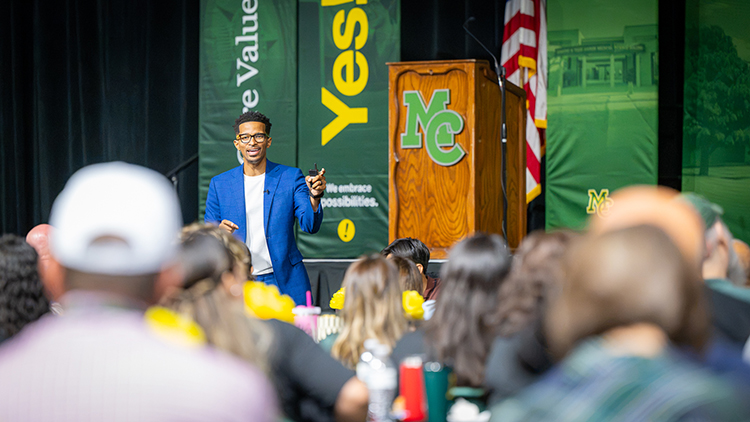
The Teaching & Learning Center coordinates two in-service week schedules, one at the start of each fall and spring term. Events include Employee Convocation, Concurrent Sessions, Division Meetings, and other great events and activities.
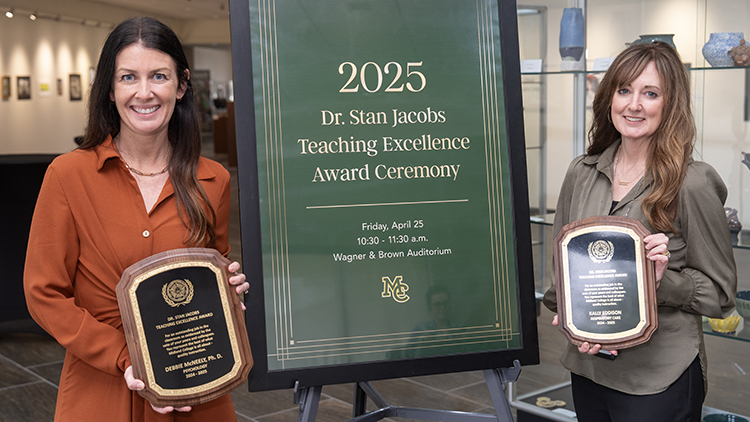
The Dr. Stan Jacobs Teaching Excellence Award recognizes individuals' outstanding job in the classroom, as evidenced by the vote of their peers and colleagues. They represent the best of what Midland College is all about - quality instruction.
ContactTeaching & Learning Centertlc@midland.edu |
LocationLearning Resource Center (LRC)Room 230 |